
The Backpocket Chrome extension is a streamlined saving tool built with WXT and React. Its standout feature is one-click save — the current page saves automatically when you open the popup, making it the fastest way to capture links.Documentation Index
Fetch the complete documentation index at: https://docs.backpocket.my/llms.txt
Use this file to discover all available pages before exploring further.
Tech stack
| Technology | Purpose |
|---|---|
| WXT | Browser extension framework |
| React | UI library |
| Convex | Real-time backend |
| Clerk | Authentication |
One-click save
The extension’s defining feature:- Navigate to any page
- Click the Backpocket icon in your toolbar
- The page saves automatically as the popup opens
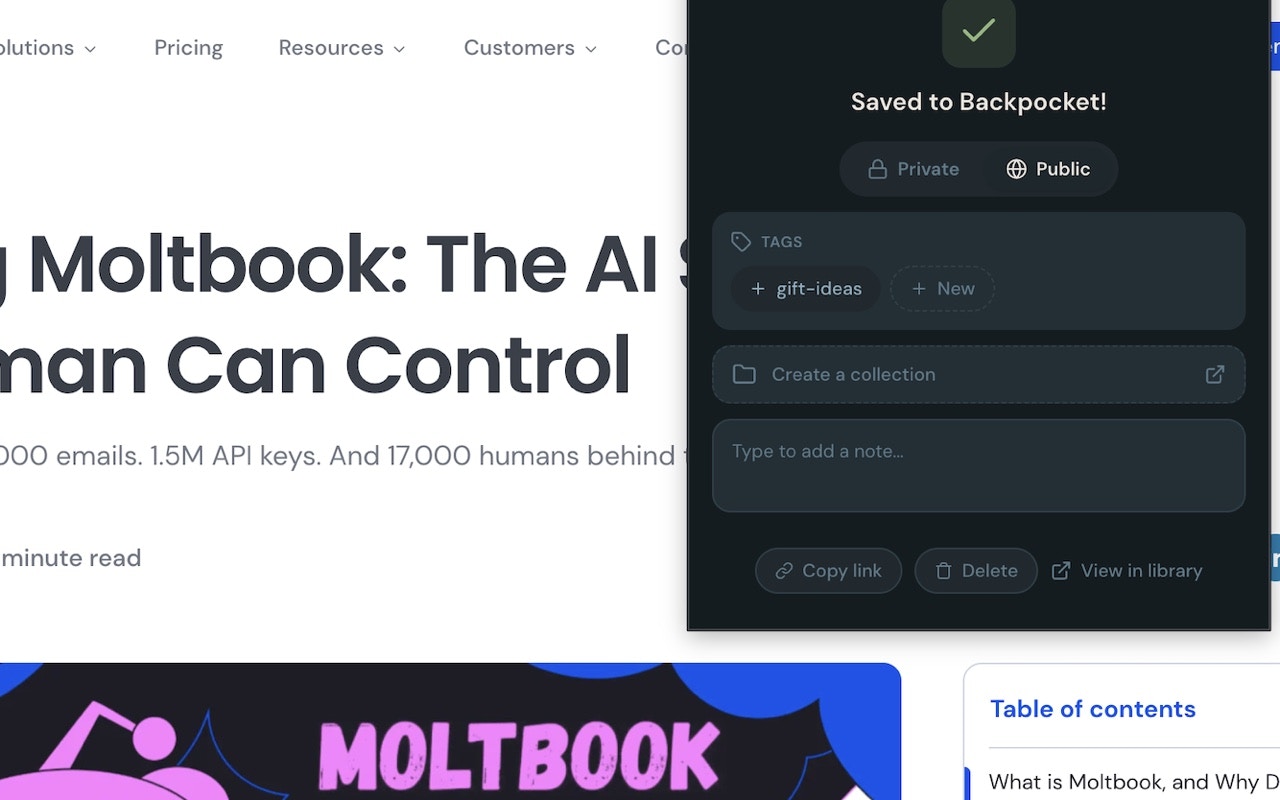
This is significantly faster than competing extensions that require you to fill out a form before saving. Backpocket’s philosophy: save first, organize after.
Post-save quick actions
After the auto-save, the popup shows quick actions:Tags
Type to search existing tags or create new ones:- Typeahead autocomplete with existing tags
- Inline creation — type a new name and press Enter
- Smart suggestions based on domain affinity
Collections
Select a collection from the dropdown. Collection default tags are applied automatically.Visibility
Toggle between public and private for this save. The default is controlled by your extension settings.Note
Add a quick note to remember why you saved this link.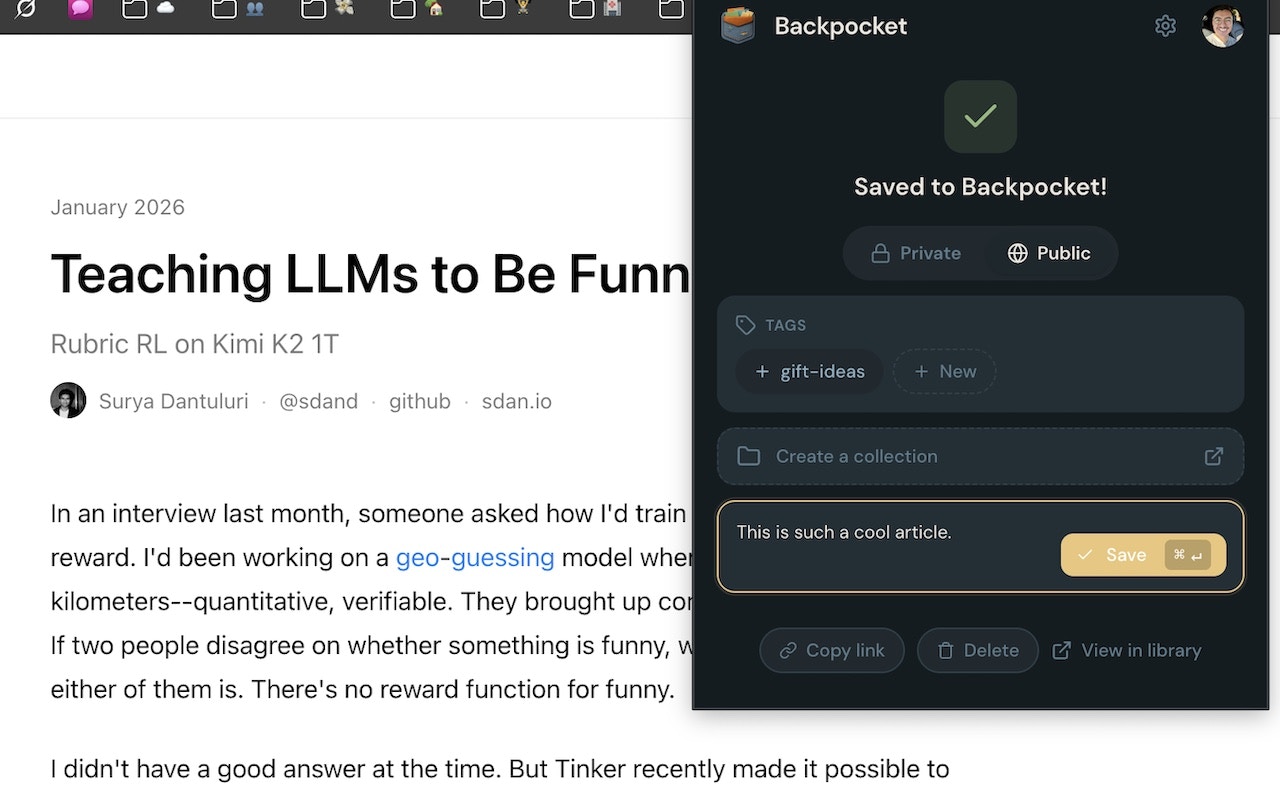
Duplicate detection
If you’ve already saved the current page, the extension shows the existing save instead of creating a duplicate: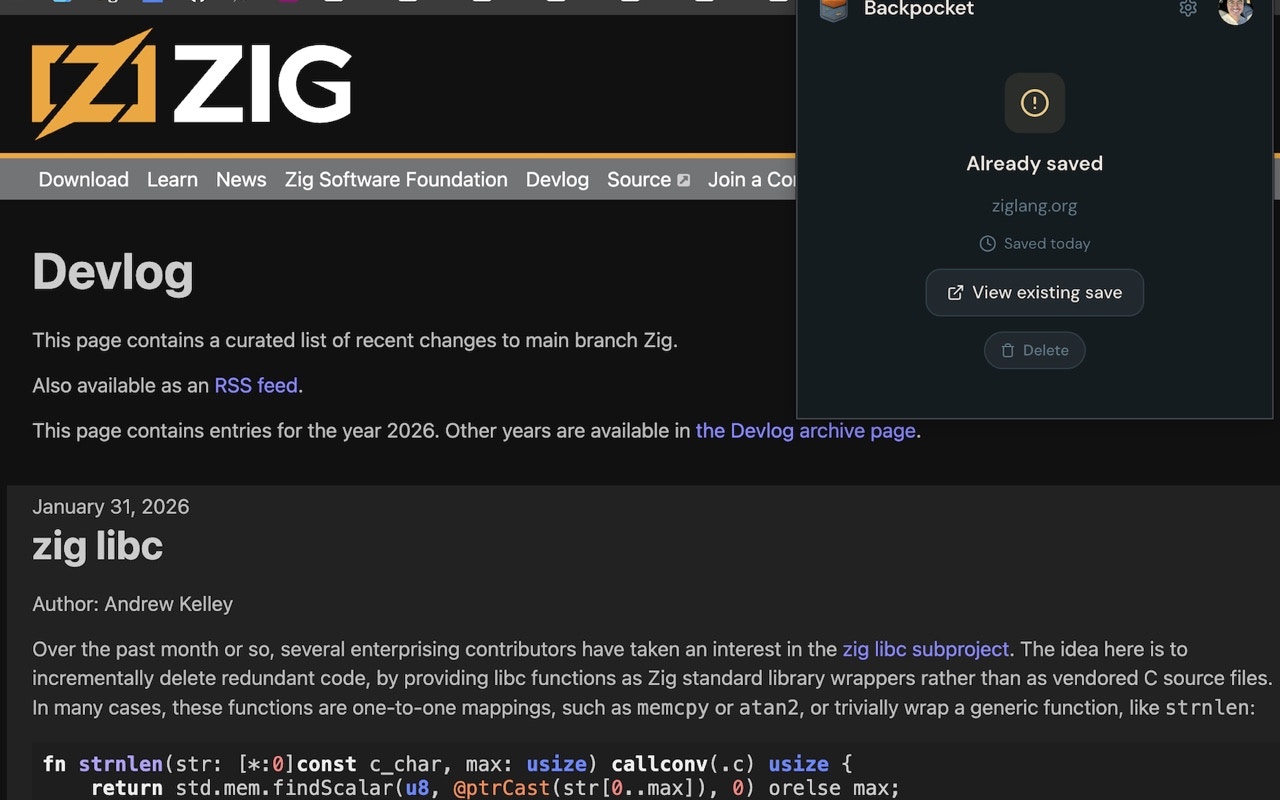
Context menu
Right-click on any page to save it:- Right-click anywhere on the page
- Select Save to Backpocket from the context menu
Recent saves
The extension popup also shows your most recent saves in a scrollable list: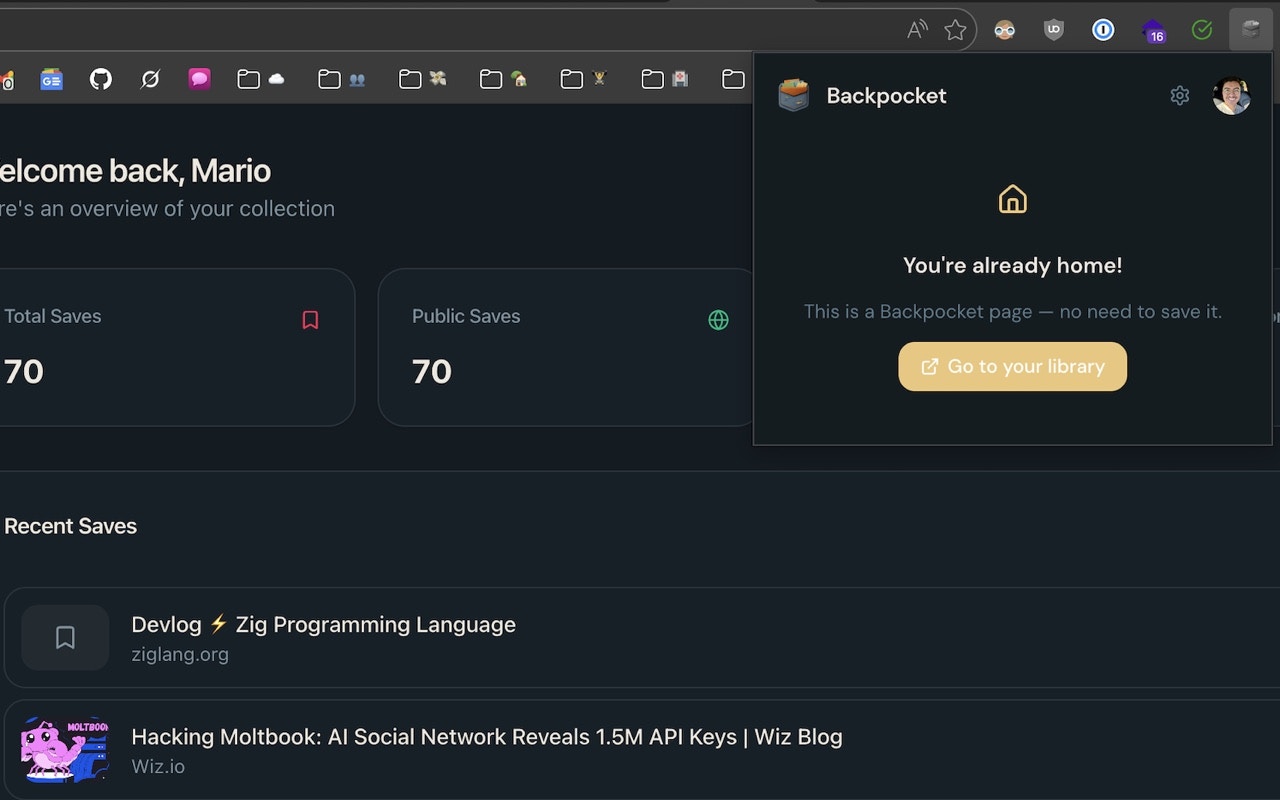
Badge notifications
The extension icon shows a badge notification when:- A save completes successfully
- A duplicate is detected
Settings panel
Click the gear icon in the popup to access settings:| Setting | Options | Description |
|---|---|---|
| Default visibility | Public / Private | New saves use this visibility |
| Theme | Light / Dark / System | Extension popup theme |
| Sync | On / Off | Toggle automatic sync |
Browser support
| Browser | Status |
|---|---|
| Chrome | ✅ Supported |
| Chromium-based (Edge, Brave, Arc, etc.) | ✅ Should work via Chrome extension compatibility |
| Firefox | Planned |
| Safari | Not yet available |
Related
Getting Started (Extension)
Installation and setup guide.
Saves
Learn about metadata extraction and URL normalization.
Web App
Full-featured dashboard experience.